
Platforms / ATMOSFAR Wiki
Where is the official ATMOSFAR Steam listing?
The official ATMOSFAR Steam main-game listing is app 1798230. The publisher links to that listing directly, and it was still presented as a forthcoming Early Access game at the research check. Use the main-game page to check current availability rather than following an archived Demo promotion.
Sources checked · Independent fan guide
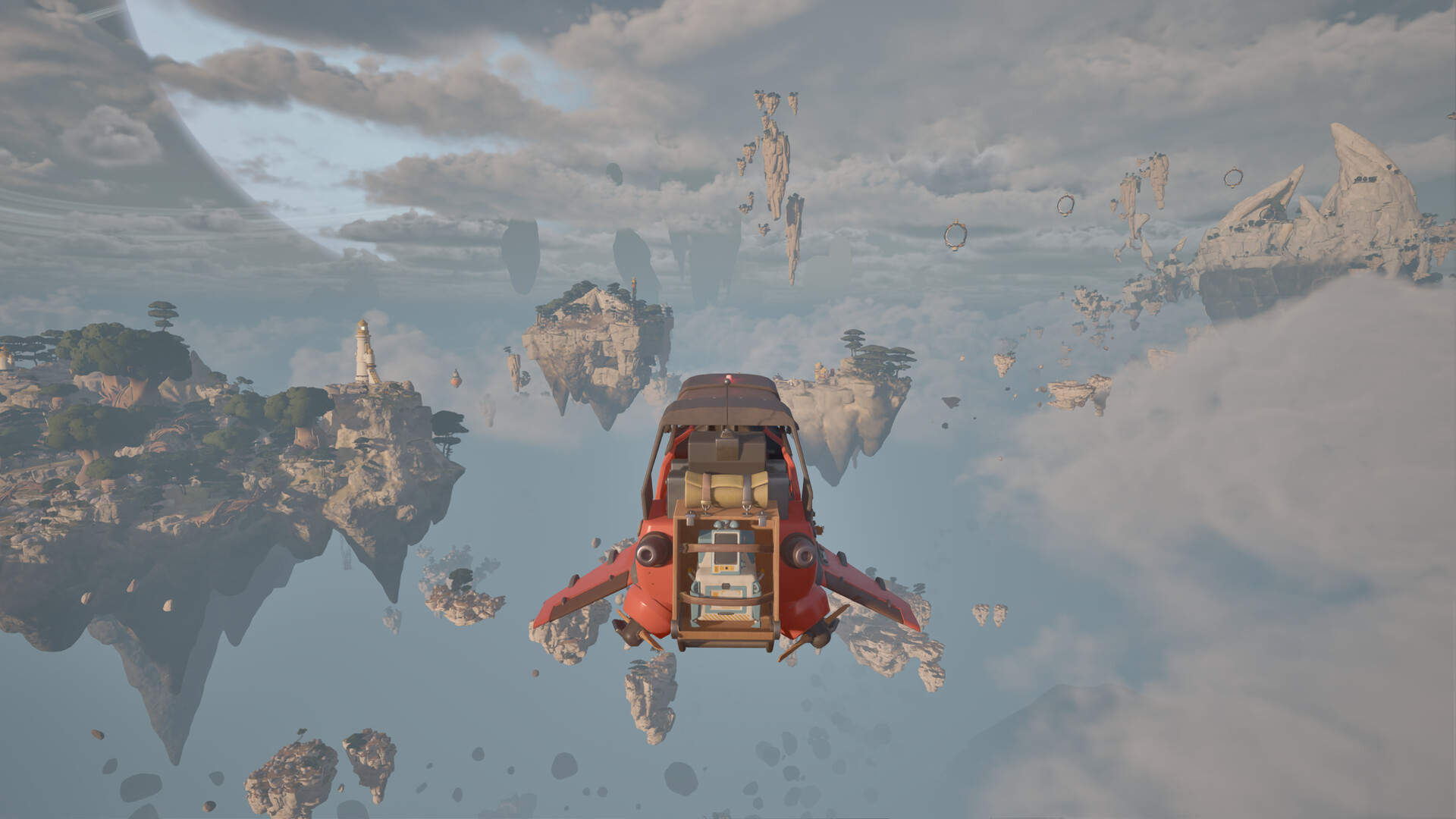
Official Steam screenshot · © Apoapsis Game Laboratories AB / SHUEISHA, SHUEISHA GAMES. Pre-release media.
Identify the main application
The application identifier is a useful way to recognize the correct Steam page. Game titles can appear in search results, videos, and third-party databases, but the app number identifies the particular listing collected for this guide. The publisher's own Steam link supplies a second route to the same application.
Start from that publisher link if you want to check that a result belongs to the intended game. It connects the title's official presentation with its store destination. This is more reliable than assuming any download result containing the word ATMOSFAR is an official distribution page.
Read the current availability message
At the October 26 research check, the main-game listing described a forthcoming Early Access release. That is different from saying that the complete released game was already available to play. The store's current availability wording is the relevant part to read when you return later.
A wishlist is useful for following an upcoming application, but its existence is not proof that the game has launched. Likewise, a dated article can describe a future launch without becoming a live statement about today's purchase button. Let the current storefront answer the immediate access question.
Keep Early Access in the description
Early Access is the release stage associated with the researched main-game listing. The qualification matters because it distinguishes that edition's development status from a finished version 1.0 announcement. Removing it from a link description would make the information less precise for someone comparing releases.
The release-date guide covers the announced schedule in more detail. This page focuses on identifying and using the correct Steam listing instead. Keeping those two jobs separate avoids making a store-navigation answer depend on an old release-calendar snippet.
The publisher provides a cross-check
The official SHUEISHA GAMES page names the game's developer and directs readers to Steam. Its platform field also identifies Steam and Epic Games Store as the announced storefronts. That agreement helps establish that the main-game application is the intended official PC destination.
The independently retrieved game database supplies a further title-and-developer check. Its role is to corroborate identity rather than override the live store's availability state. When a database description and a current store message serve different purposes, use each for the question it actually answers.
Do not confuse the main game with the Demo
The research found historical promotion for a playable Demo. That promotion concerns a different access event from the upcoming main-game listing. An old video description saying that a Demo is available should therefore not be treated as an instruction for obtaining the main application.
The distinction is easy to lose when both results use the same game name. Check the application being linked, the publication date, and whether the description explicitly says Demo. Our separate Demo page collects the availability history without turning the main-game Steam guide into a link to an obsolete download claim.
Use video links for context
The official Enter Tycos trailer is promotional context for ATMOSFAR. The Steam Next Fest video is historical context for its Demo. They are useful introductions, but neither title alone tells you what the main-game store currently allows you to purchase or download.
The checked metadata did not expose English caption tracks for those particular promotional uploads. No transcript is invented for them here. The main-game identity and its researched release status instead rest on the store page and the publisher's direct link.
Keep platform features attached to the listing
A store page can contain several kinds of information about its application. Availability, input support, and the edition's platform context should be read as separate fields rather than interchangeable promises. In particular, a reference to a controller does not create a console edition of a PC listing.
The PS5 and Xbox guides explain those platform questions separately. This separation is useful because someone searching for a console release has a different need from someone trying to locate the Steam app. The official PC store remains the correct destination for the latter question.
A practical way to use this page
Open the official main-game link and confirm that the application is the one identified here. Read the current store message before relying on a dated article or video description for access. Then use the release-date or Demo guide if your question is about the corresponding event rather than the store identity.
For a purchase decision, take time-sensitive commercial information from the live listing. This guide does not replace it with a guessed price, a promotional discount, or an assumed current Demo button. Its purpose is to get you to the right application with the right context, so the next decision is based on what that store actually displays.
Which information is stable enough to bookmark?
The main application's identity is more useful to bookmark than a temporary promotional invitation. App 1798230 identifies the checked main-game Steam page, while older Demo videos describe a separate preview period. Returning to that official listing gives you the current store presentation without assuming that every old access link remains relevant.
The developer's official release announcement is another useful reference for context. It explains why the page discusses October 29 and Early Access, whereas the live store supplies the changing availability message. Neither source should be replaced by an unofficial download claiming to bypass normal store access.
What should you read before playing?
The beginner guide introduces personal supplies, aircraft maintenance, camp facilities, and the mobile airbase. The refueling and repair pages provide more focused historical Demo examples, with version limits attached. This is a useful reading path if your original Steam search was the first step toward learning the game rather than simply locating its store page.
For a group, check the advertised four-player online cooperative format without assuming cross-store compatibility. For hardware, compare the complete minimum and recommended configurations rather than relying on a screenshot's appearance. These are separate decisions, and the Steam listing's existence does not automatically settle every one of them.
Sources and evidence
These are the sources retained in this guide’s research brief. Dated Demo footage and development articles support only the version and claims identified above; the current official listing takes priority for changing availability and requirements.
- ATMOSFAR on Steam (opens in a new tab)
- ATMOSFAR — SHUEISHA GAMES (opens in a new tab)
- ATMOSFAR Release Date: Early Access October 29, 2026 (opens in a new tab)
- Atmosfar — GAMES.GG (opens in a new tab)
- ATMOSFAR Early Access Release Date Trailer (Enter Tycos) (opens in a new tab)
- Play ATMOSFAR at Steam Next Fest! (opens in a new tab)